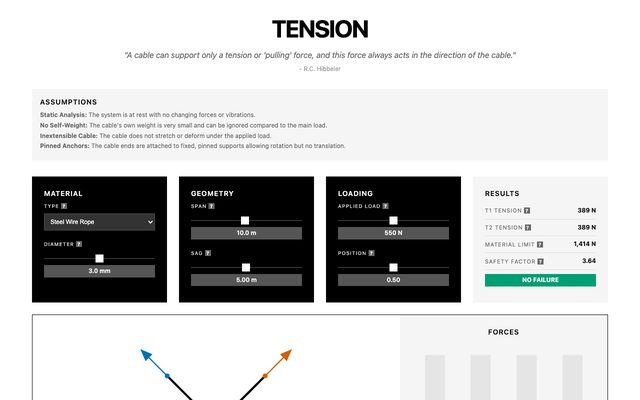
Tension Analysis
Explore cable tension forces in static structures like bridges or cranes. Adjust material, diameter, span, sag, and load to instantly calculate T1/T2 and check safety limits.

I build experiences meant to spark curiosity and invite wonder.
I teach Technology and Engineering at Wrightstown High School. I perform as Hanneman the Magician.
Free interactive tools for high school engineering and technology classrooms.
These were built for my students at Wrightstown High School and are free to use for labs, demonstrations, projects, homework, or professional development. They are a work in progress. Send feedback to tools@scotthanneman.com.
Explore cable tension forces in static structures like bridges or cranes. Adjust material, diameter, span, sag, and load to instantly calculate T1/T2 and check safety limits.
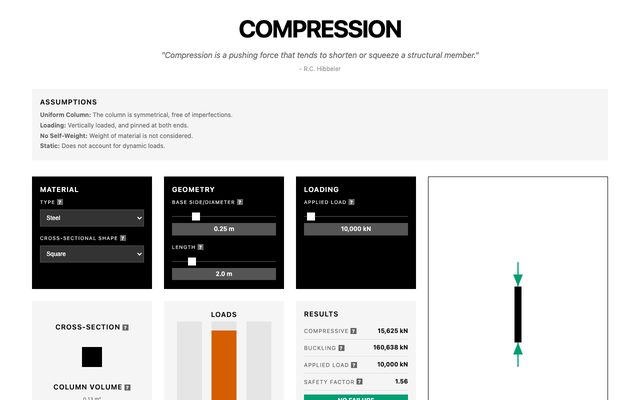
Test structural columns under compression loads. Choose material and cross-section, then input dimensions and load to calculate strength, buckling capacity, mass, and volume.
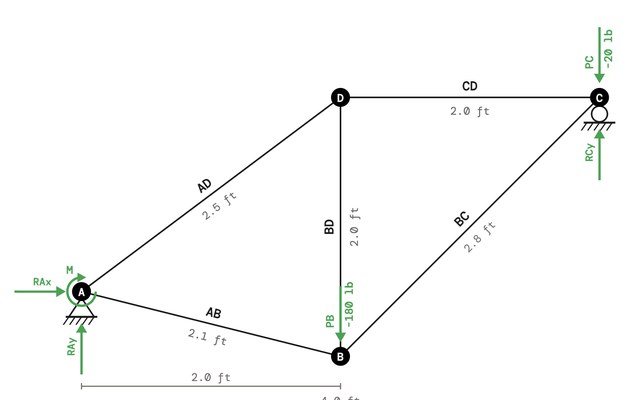
Learn the Method of Joints to solve 2D trusses. The tool checks determinacy, calculates reactions, and guides you through each joint with step-by-step visuals and equilibrium equations.
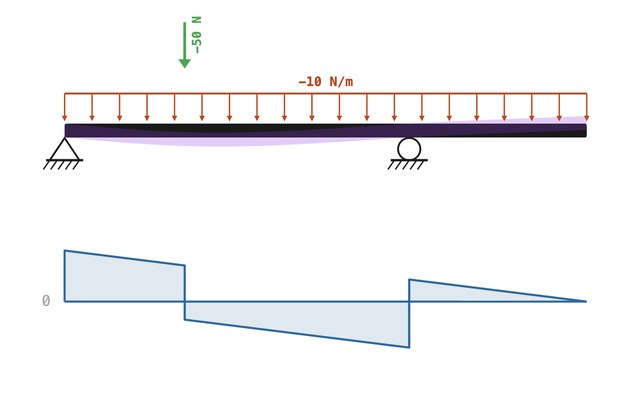
Visualize shear forces and bending moments in cantilever beams. Apply point loads and instantly generate Shear Force Diagrams (SFD) and Bending Moment Diagrams (BMD).
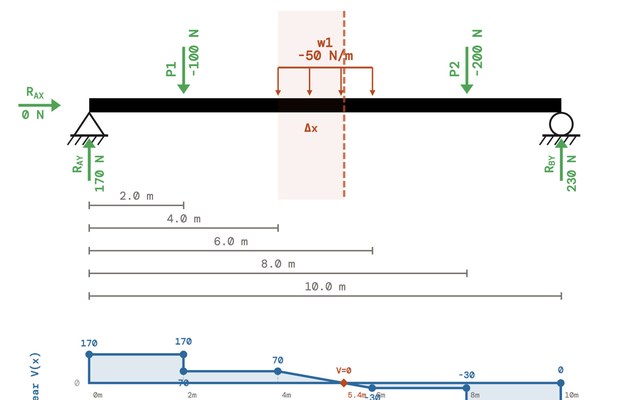
Fully analyze simply supported or cantilever beams under point and distributed loads. Instantly calculate reactions, deflections, stresses, and view shear and moment diagrams.
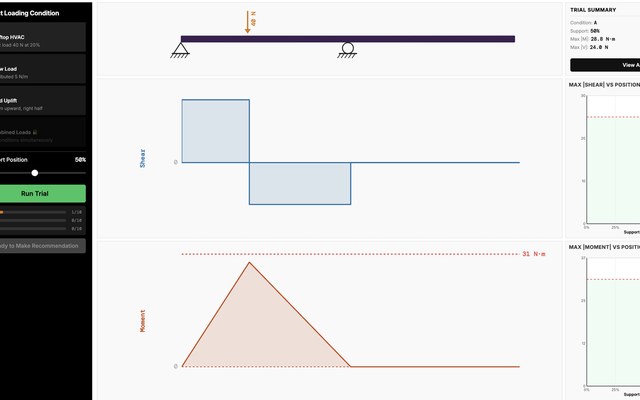
Optimize support positions to minimize bending moments in beams. Test different loading scenarios using superposition and compare diagrams to find the best design.
Experiment with single-degree-of-freedom (mass-spring-damper) vibration systems. Adjust parameters to explore natural frequency, damping ratio, and system response.
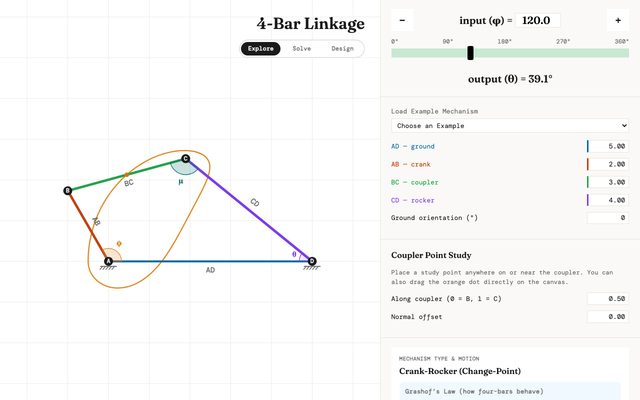
Interactive four-bar linkage simulator. Adjust link lengths and crank angle to visualize real-time motion, calculate rocker output angle, and classify Grashof condition.
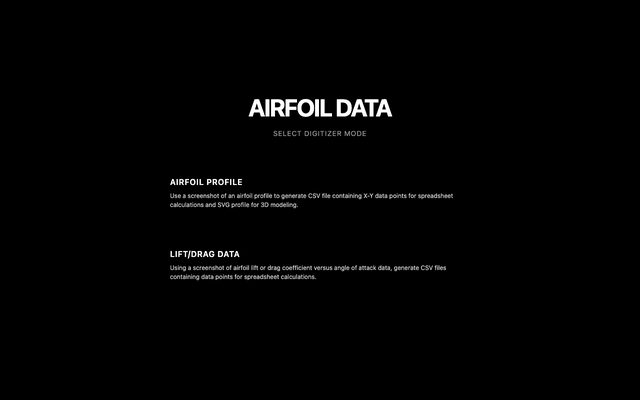
Extract precise X-Y coordinates from airfoil graphs or photos for aerodynamics projects. Upload images, calibrate edges, and export CSV for analysis or SVG for CAD.
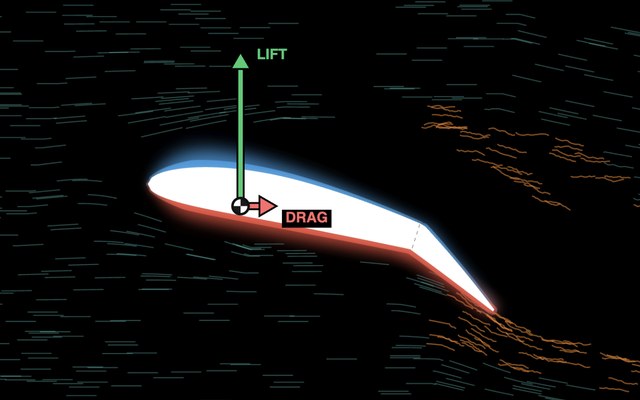
Interactive airfoil simulator. Adjust angle of attack, flap deflection, and airspeed to visualize flow fields, lift/drag coefficients (Cl, Cd), L/D ratio, and stall behavior.
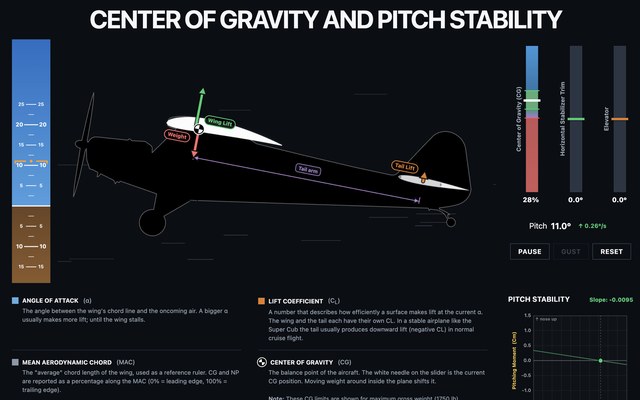
Adjust aircraft center of gravity (CG) position along the mean aerodynamic chord (MAC) to analyze pitch stability. Observe neutral point (NP), static margin, pitching moment coefficient (Cm), stability slope, and real-time pitch attitude visualizations for varying angles of attack.
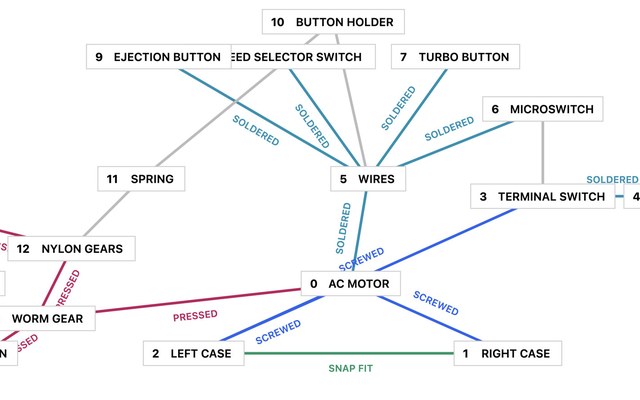
Build liaison diagrams to visualize how product parts connect. Analyze assembly relationships for better manufacturing and design decisions.
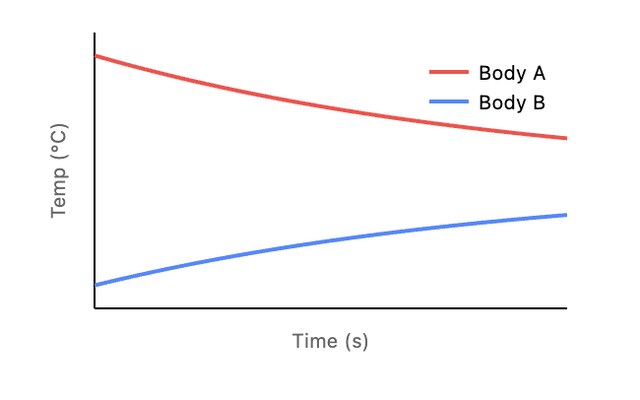
Simulate heat transfer between two objects using Fourier's Law. Adjust materials, temperatures, volumes, and contact area to watch real-time temperature equalization and heat flow.
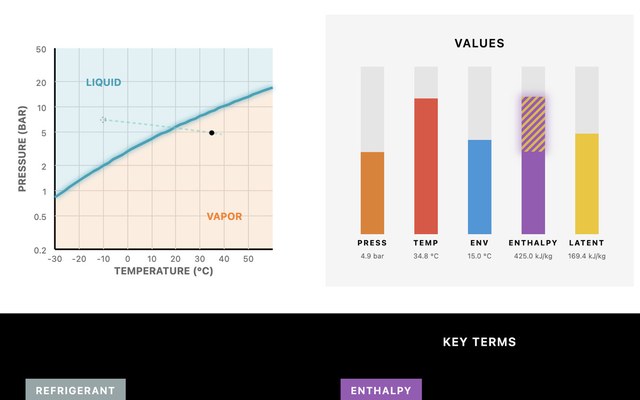
Explore refrigeration cycles with an interactive R-134a Pressure-Enthalpy diagram. Drag temperature and pressure points to understand phase changes, enthalpy, and energy transfer.
Simulate heating and cooling cycles with a heat pump system. Observe Coefficient of Performance (COP) and system efficiency.
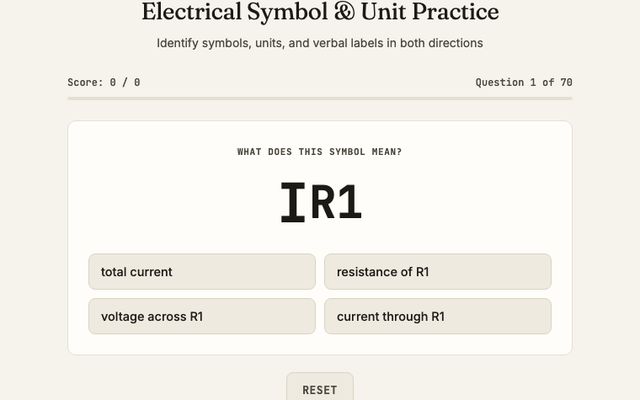
Practice identifying electrical symbols, units, and verbal labels in both directions. Seventy questions cover Ω, kΩ, V, A, I, E, R, AC, DC, C, L, X, Z, Vpp, Vrms, and more.
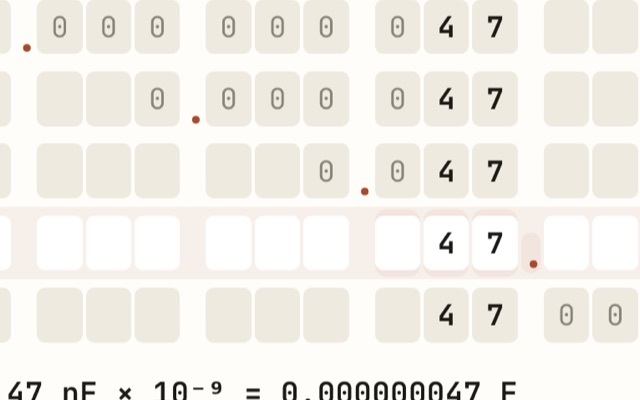
Convert between kilo, milli, micro, nano, and pico prefixes for voltage, resistance, current, inductance, and capacitance. Type a value in one unit and instantly see equivalent values across the metric scale.
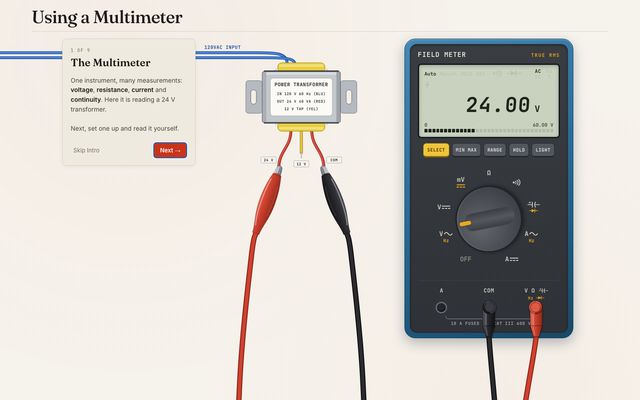
Interactive digital multimeter simulator. Practice operating real meter controls, input jacks, and leads to measure voltage, current, and resistance in a virtual lab.
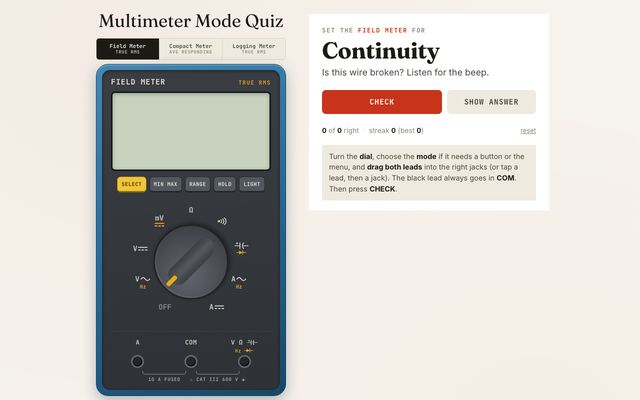
Set a digital multimeter for a given measurement. Turn the dial, choose the mode, move the red lead to the correct jack, and check your answer.
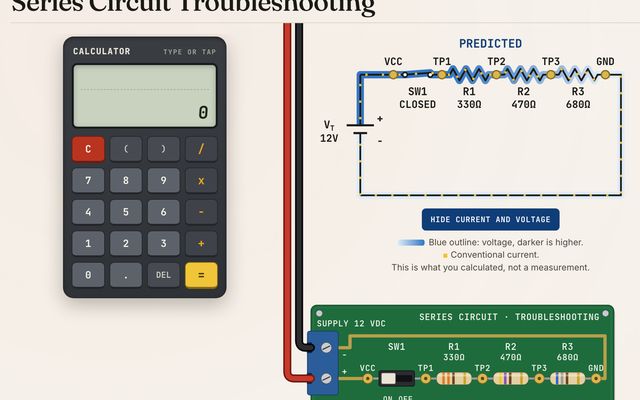
Troubleshoot a virtual series circuit with a schematic, a board, and a digital multimeter. Identify parts, calculate values, diagnose faults, and repair the circuit.
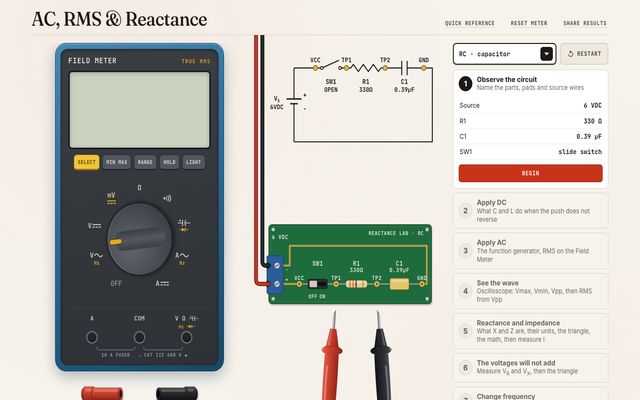
Walk through DC, AC, RMS, and reactance on a virtual RC or RL board. Use the Field Meter and oscilloscope to measure voltage and current, then see how frequency changes XC, XL, and impedance.
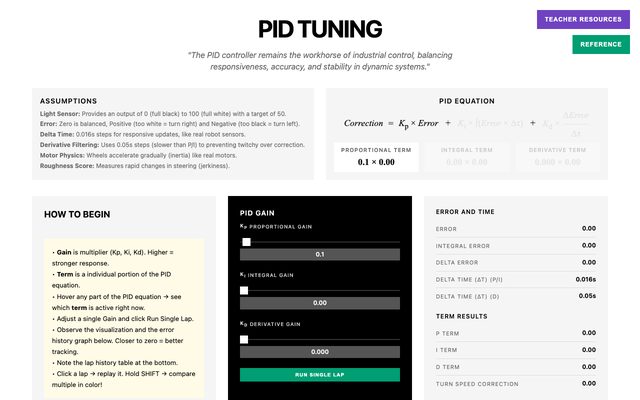
Tune a PID controller on a virtual line-following robot in real time. Adjust P, I, and D gains while watching error graphs, lap times, and performance.
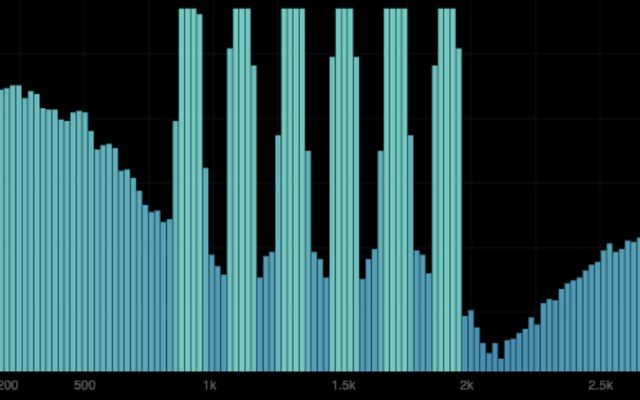
Apply band-pass and notch filters to recover a corrupted voice signal while observing frequency spectrum and spectrogram visualizations.
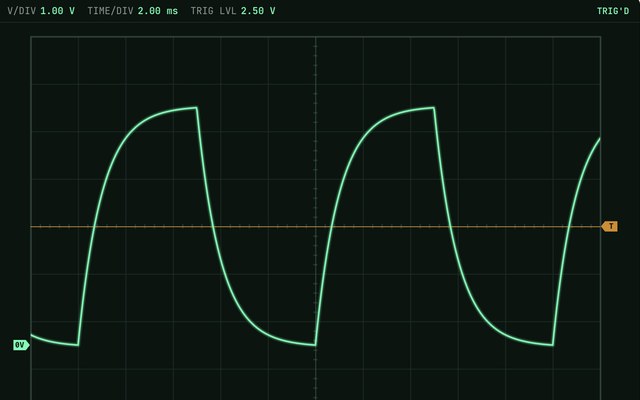
Interactive oscilloscope simulator. Practice operating real controls including V/DIV, TIME/DIV, triggering, coupling modes (AC/DC/GND), and measurement functions to analyze waveforms in a virtual lab environment.
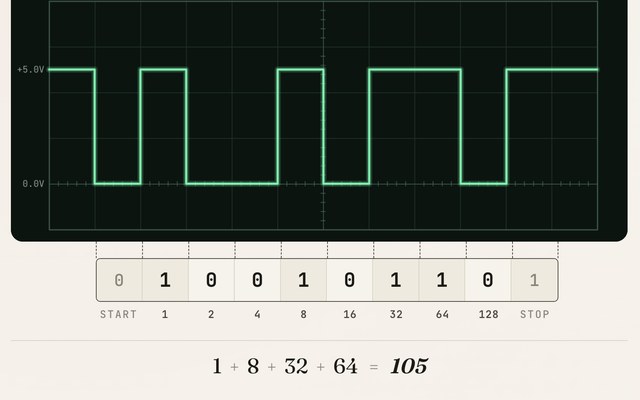
Decode UART serial data as seen on an oscilloscope. Build and analyze 10-bit frames, step through bits, convert binary to ASCII, and practice decoding challenges that simulate real serial communication signals.
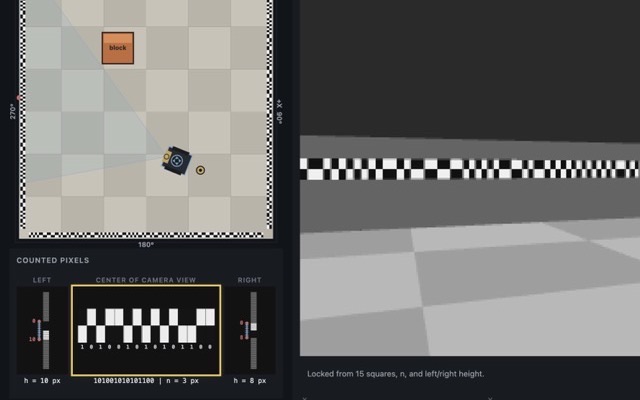
See how a VEX GPS sensor reads the field wall barcode. Count pixels in the camera view to find distance and heading, then compute the robot's x and y location.
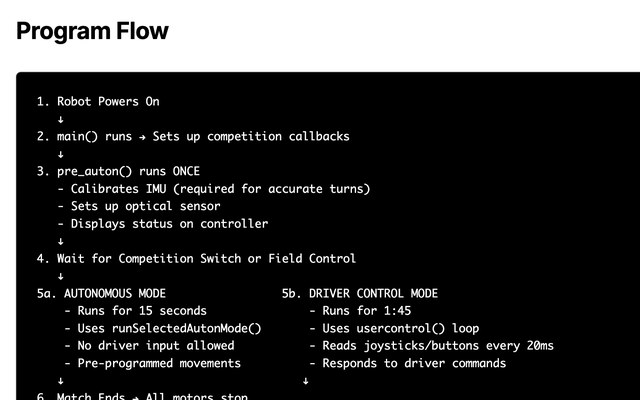
Ready-to-use programming templates and guide for VEX V5 robots. Includes motors, sensors, autonomous routines, driver controls, and competition-ready examples.
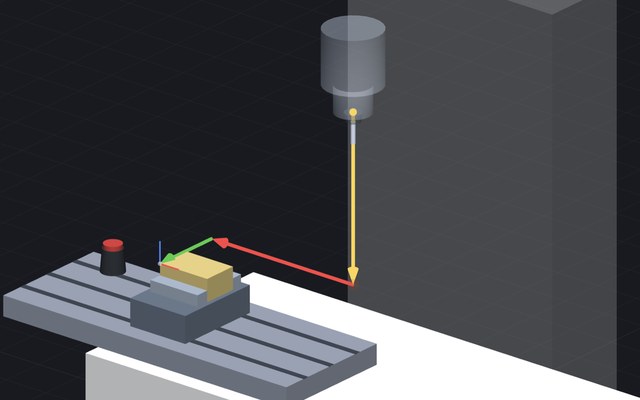
Master CNC milling offsets with interactive guided lessons helping you visualize work offsets and tool length offsets. Adjust values and instantly see real-time effects on tool position and part zero.
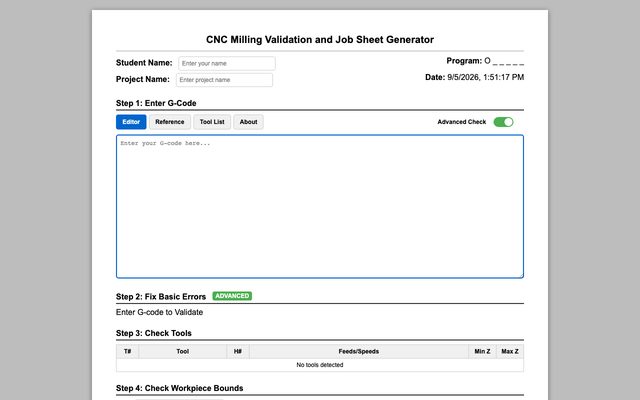
Upload G-code to validate programs, visualize toolpaths, run safety checks, and generate operator job sheets.
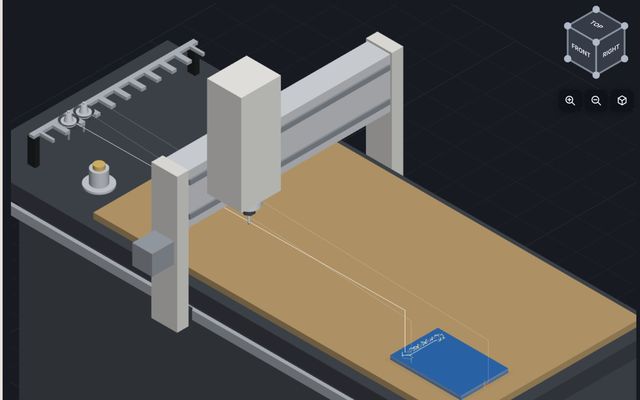
Design a personalized cutting board for a Tormach 24R CNC router. Choose the profile and juice groove, add text or clipart, plan the CAM cuts, simulate the job, and export G-code plus a job sheet.
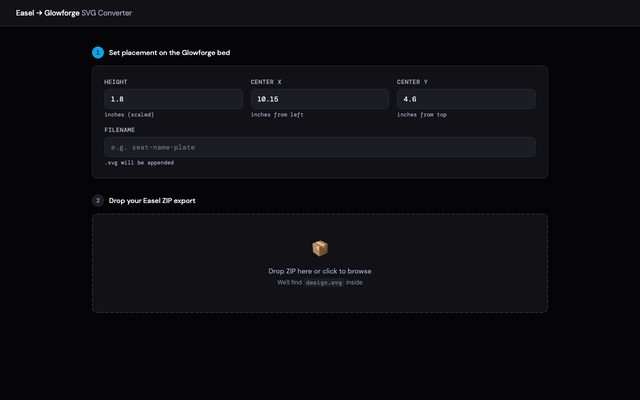
Convert Easel project exports into optimized SVG files for Glowforge laser cutters. Customize scale and placement for perfect results.